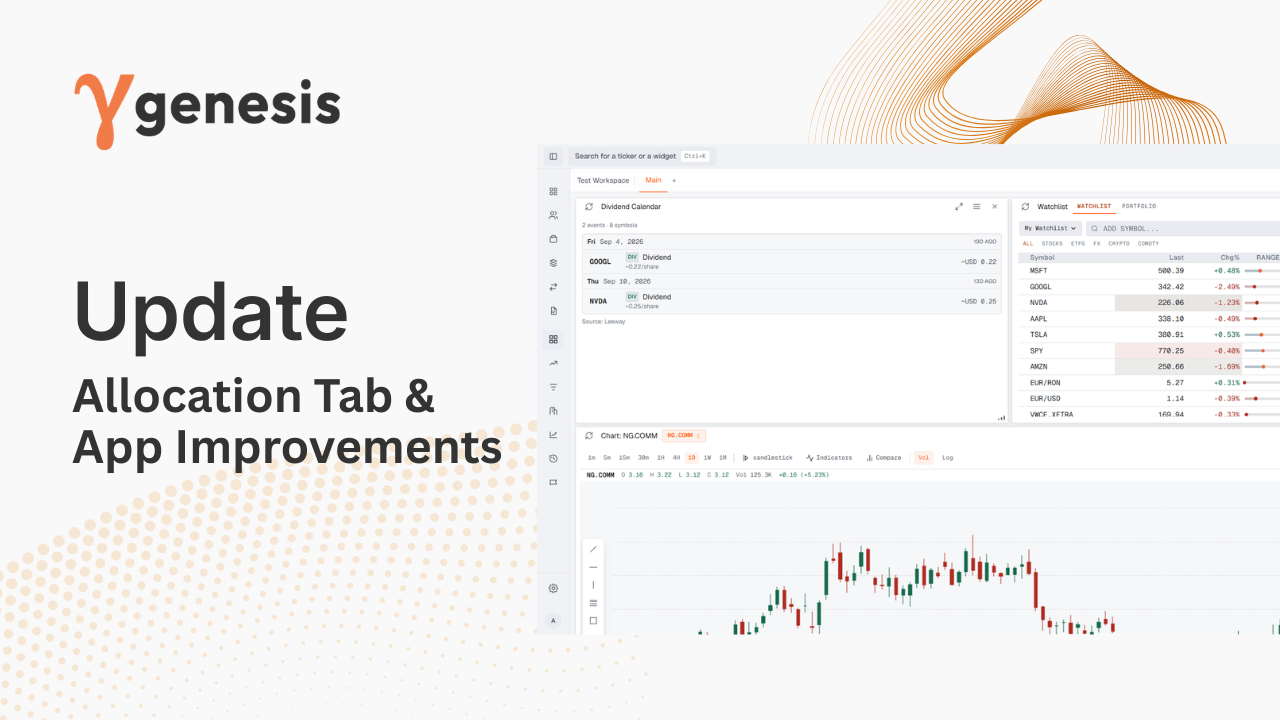
A redesigned advisor experience with a new Overview, improved client and model workflows, saved portfolio comparisons, and proposals created directly from comparisons.
Genesis Risk Monitor now brings the core advisor workflow into one connected experience, making it easier to move from a client portfolio to a model comparison and then into a client-ready proposal.
The application navigation has been reorganized around the way advisors work. Overview, Clients, Portfolios, Models, Compare and Proposals are now first-class destinations, while research tools are grouped into a dedicated Research section.
The new Advisor Overview gives advisors a clearer starting point for the day, with portfolio and relationship summary information, items that need attention, work to continue, proposals in progress, and quick actions for creating a new client or proposal.
Client, household and portfolio navigation has been refined to make it easier to move between relationships, accounts and the analytical tools attached to them.
Model portfolios now have a more complete workspace for reviewing allocations, holdings, performance, risk, drift and linked client portfolios. Advisors can move from a model directly into the workflows where it is used rather than treating models as an isolated library.
The new Compare workflow lets advisors select a current client or personal portfolio and measure it against an advisor-selected model portfolio on a consistent analytical basis.
Comparisons can now be configured with:
- A current portfolio
- A proposed model portfolio
- A comparison period
- A supported market benchmark
Once calculated, the comparison is saved so the analytical result can be revisited without rebuilding the decision from scratch.
The comparison workspace brings together performance, allocation, holdings, risk and methodology so advisors can explain both the result and the basis behind it.
A saved comparison can now become the source of a new editable proposal.
The proposal inherits the Current, Advisor-selected Proposed, benchmark and analytical period from the saved comparison, preserving the context behind the recommendation. Advisors can then choose the proposal template and visual style, complete the document details, and continue editing the proposal in the Proposal Builder.
This creates a much tighter path from analysis to client presentation while reducing repeated setup.
The new proposal flow separates analytical inputs from document details.
Portfolio, template, visual style and benchmark settings are selected first so Genesis Risk Monitor can prepare the required portfolio data while the advisor completes the proposal title, client name and prepared-by information.
Proposal lifecycle handling and the proposal library have also been refined to make proposal status and preparation progress easier to understand.
This release also includes a broad visual and interaction pass across Genesis Risk Monitor, including navigation, analytical pages, portfolio views, widgets, forms, tables and workspace components.
The result is a more consistent interface with clearer hierarchy and a stronger separation between advisor workflows and research tools.