
Analysis
Backtesting
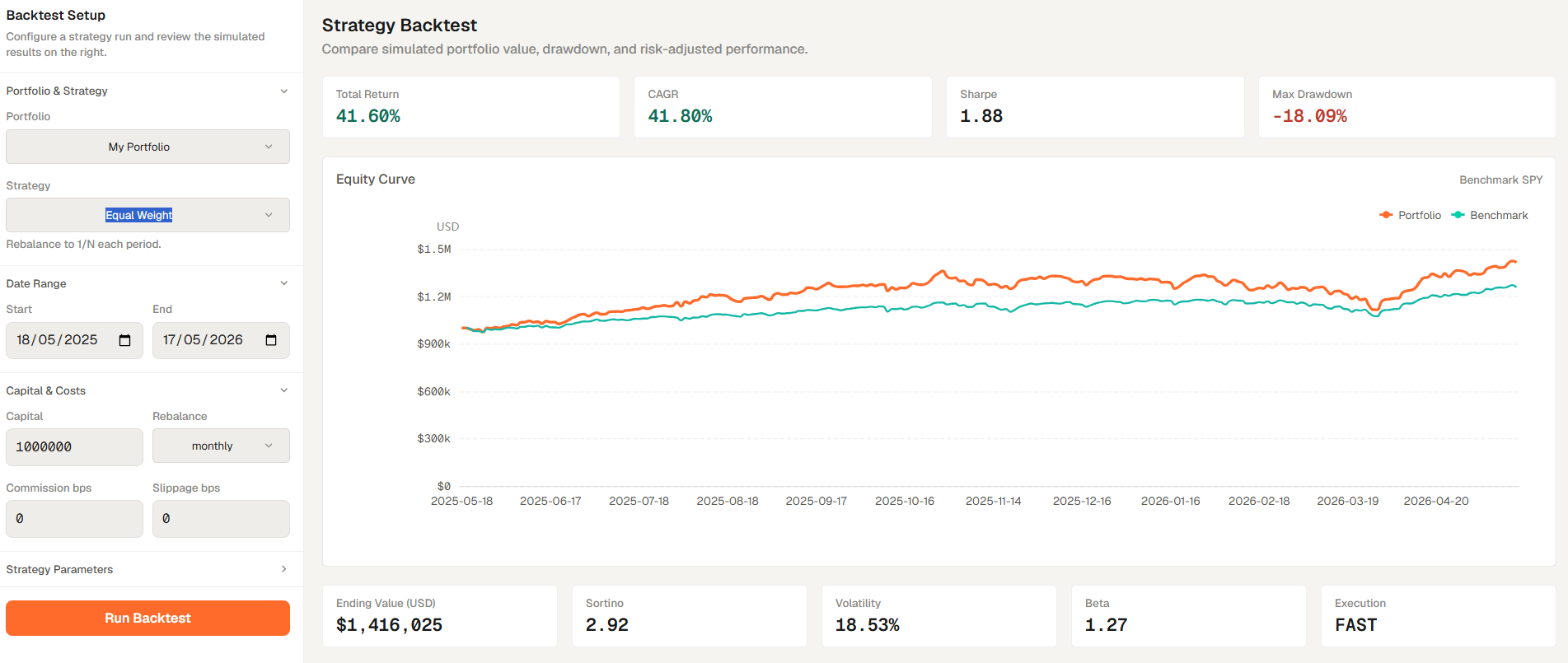
Backtesting is the strategy simulation tab inside Analysis. It is useful when you want to quickly test a strategy idea with historical data.
Backtesting is the strategy simulation tab inside Analysis. It is useful when you want to quickly test a strategy idea with historical data.
How to access
- Open Analysis from the main navigation.
- Select the Backtesting tab.
- Select or define the strategy inputs, date range, and benchmark before starting the run.
- Run the backtest to see the results.
Related topics
- Tab
- Strategy
- Simulation