
Workflow Tools
Create and Manage Proposals
Create, edit, preview and export client-ready investment proposals from a portfolio workflow.
How to Create a Proposal
YouTubeGenesis Guide video tutorial · 38 sec
Proposals turns portfolio analysis into an editable client document without leaving Genesis Risk Monitor.
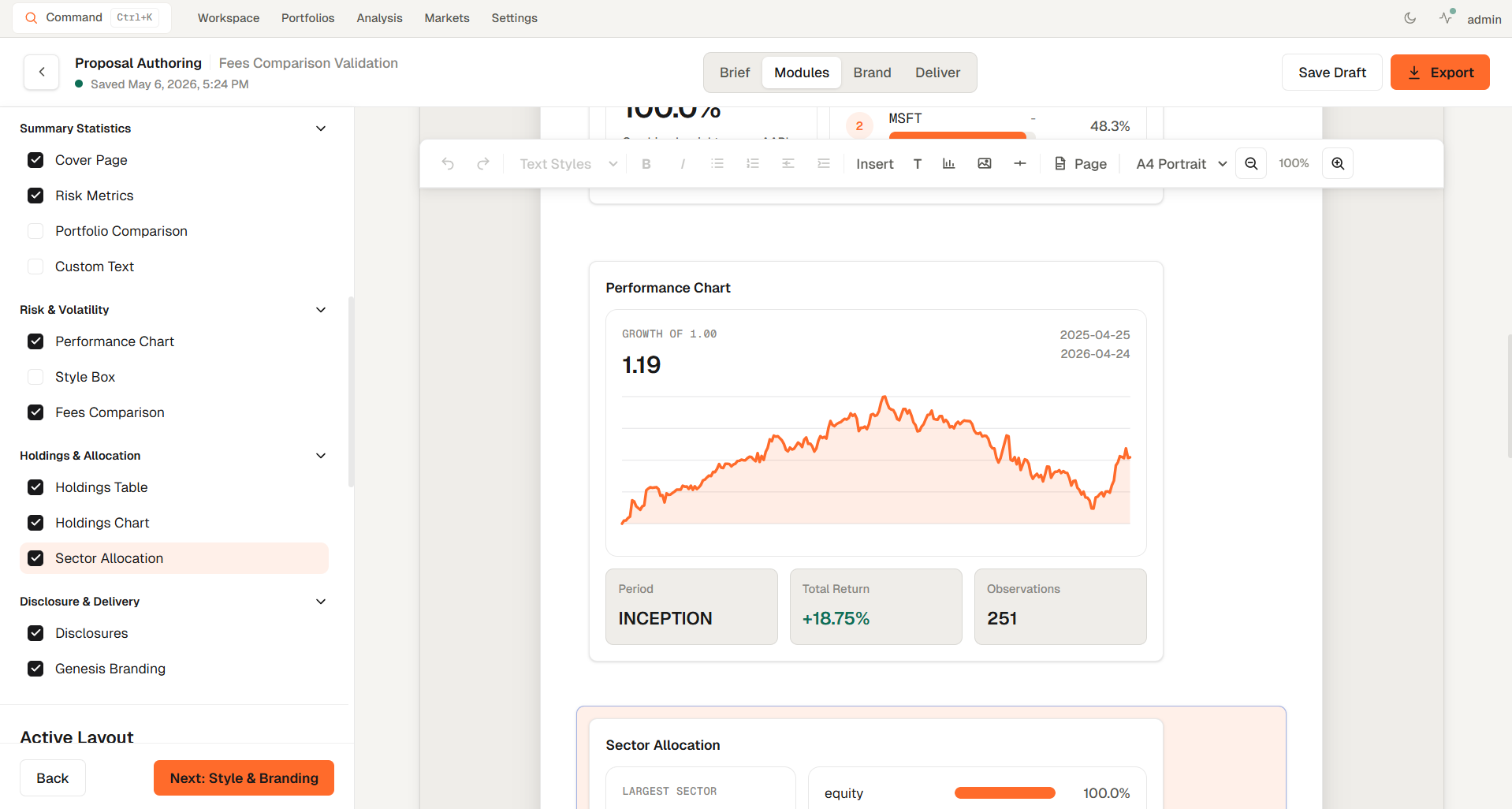
Create a proposal
- Start a new proposal from the proposal workflow.
- Select the portfolio the proposal should use.
- Choose a proposal template.
- Add an optional benchmark and advisor fee information where relevant.
- Let Genesis Risk Monitor prepare the draft, then review and edit the document.
- Preview the final proposal and export it in the available document formats.
Related topics
- Proposal Builder
- Client portfolios
- Compare
- Word export
- PDF export