
Risk Analytics
P&L Attribution
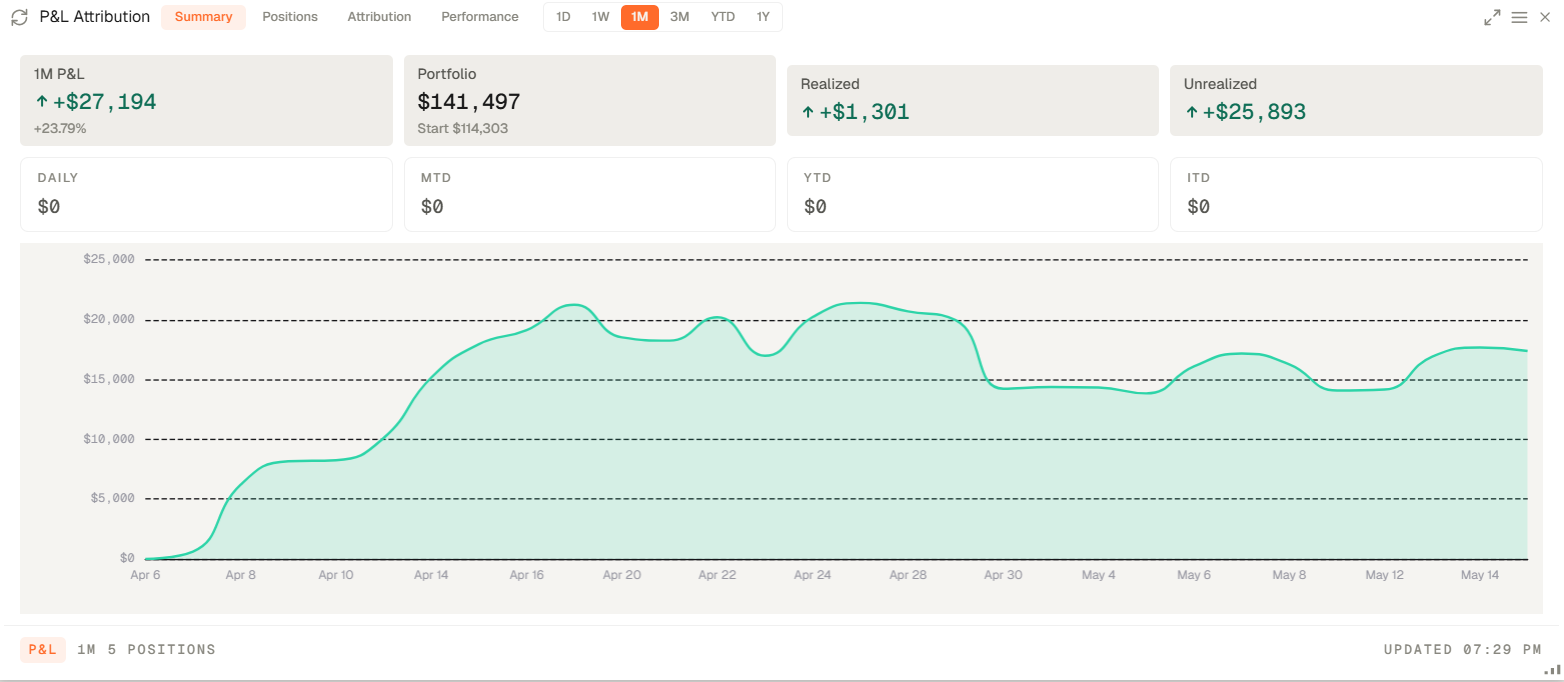
P&L Attribution decomposes returns so the user can see what actually drove the portfolio move.
P&L Attribution decomposes returns so the user can see what actually drove the portfolio move.
How to access and configure
- Open your workspace and add the P&L Attribution widget from the widget catalogue (Add widget on the top right).
- Open the widget settings to choose the portfolio and attribution settings you want to apply (by sector or asset class).
Related topics
- Widget
- Attribution
- Returns