
Workflow Tools
Chat
Chat places an AI-style conversation surface inside Workspace. Use it when research notes, prompts, or guided exploration need to stay beside the underlying widgets.
Chat places an AI-style conversation surface inside Workspace. Use it when research notes, prompts, or guided exploration need to stay beside the underlying widgets.
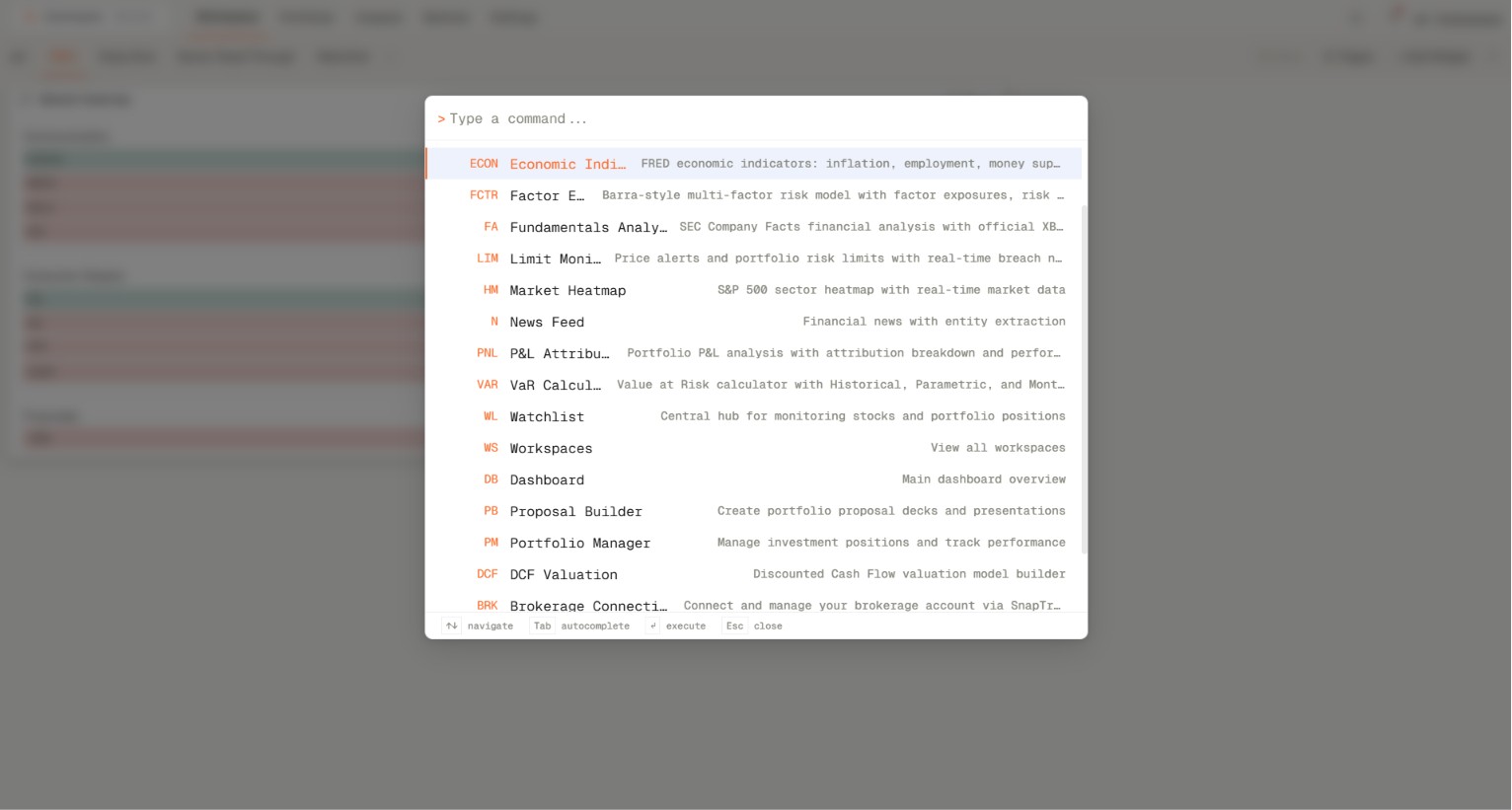
How to access and configure
- Open your workspace and add the Chat widget from the widget catalogue (Add widget on the top right).
- Choose the channel you wish to interact in.
Related topics
- Widget
- Conversation
- Research