
Account
Settings
Settings is the account and application configuration page. It is where the user adjusts account and subscription settings.
Settings is the account and application configuration page. It is where the user adjusts account and subscription settings.
How to access
- Open Settings from the main navigation.
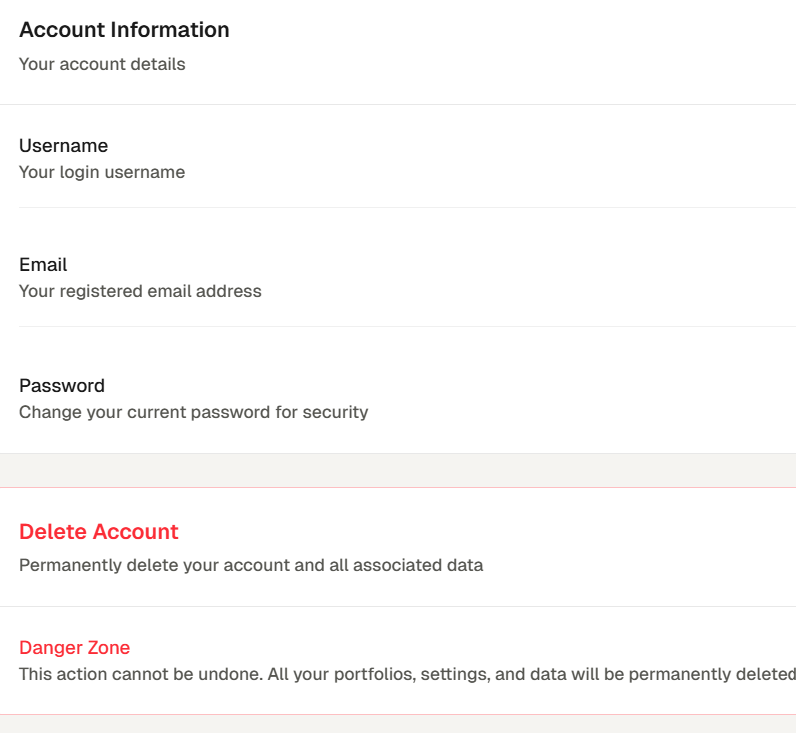
- You will be able to view your account details, change your password and delete your account.
- Under Account, You have subscription, where you can view and change your current subscription.
Related topics
- Settings
- Account
- Subscription