
Portfolio Operations
Portfolios
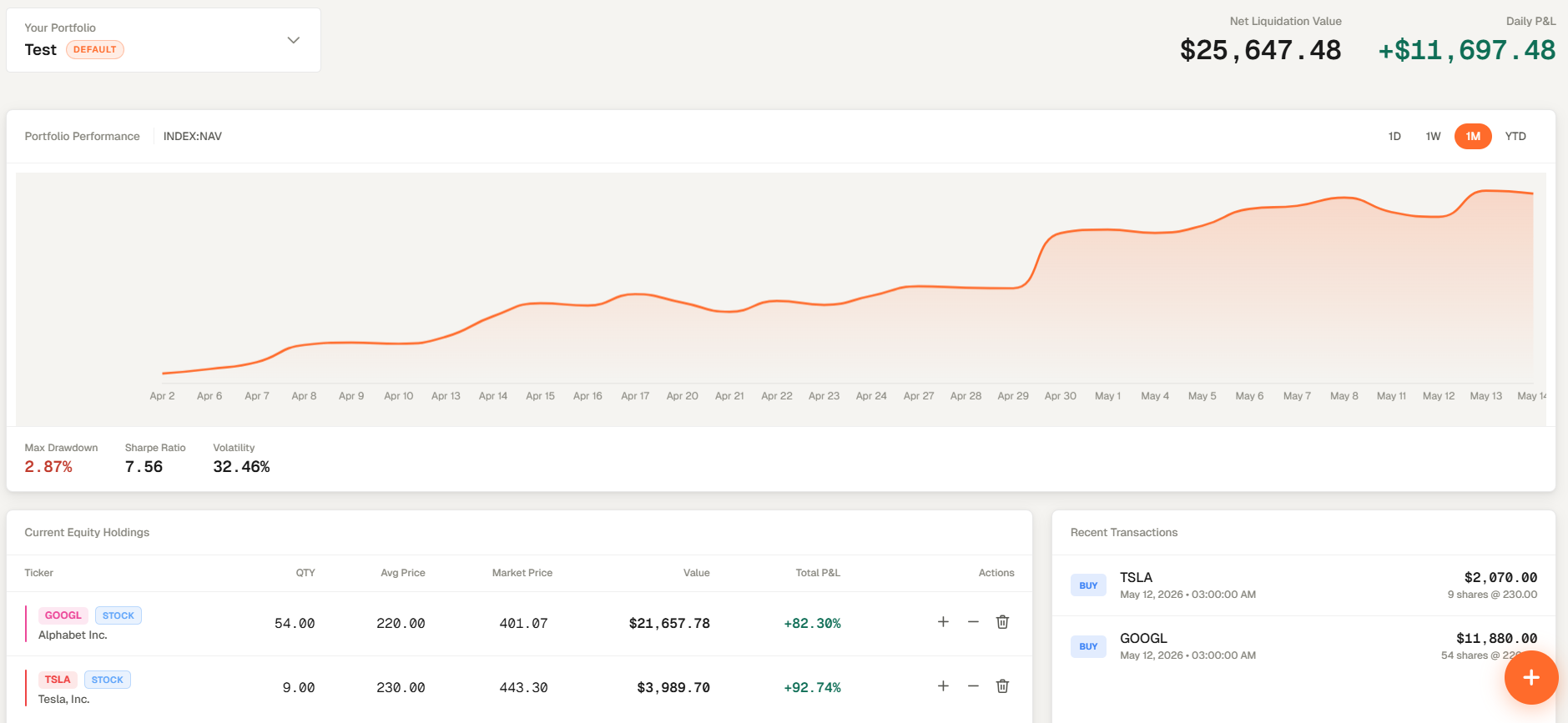
Portfolios is the portfolio operating page. It keeps holdings, allocation, risk, proposals, and integrations tied to the selected portfolio so each tab works off the same underlying book.
Portfolios is the portfolio operating page. It keeps holdings, allocation, risk, proposals, and integrations tied to the selected portfolio so each tab works off the same underlying book.
How to access
- Open Portfolios from the main navigation.
- The page is set on the Default portfolio but you can change it from the portfolio selector.
- You can change the default portfolio by selecting the star next to it on the portfolio selector.
- Move between Positions, Risk Analytics, Allocation, Proposals, and Integrations as needed.
Related topics
- Page
- Monitoring
- Operations