
Portfolio Operations
Risk Analytics
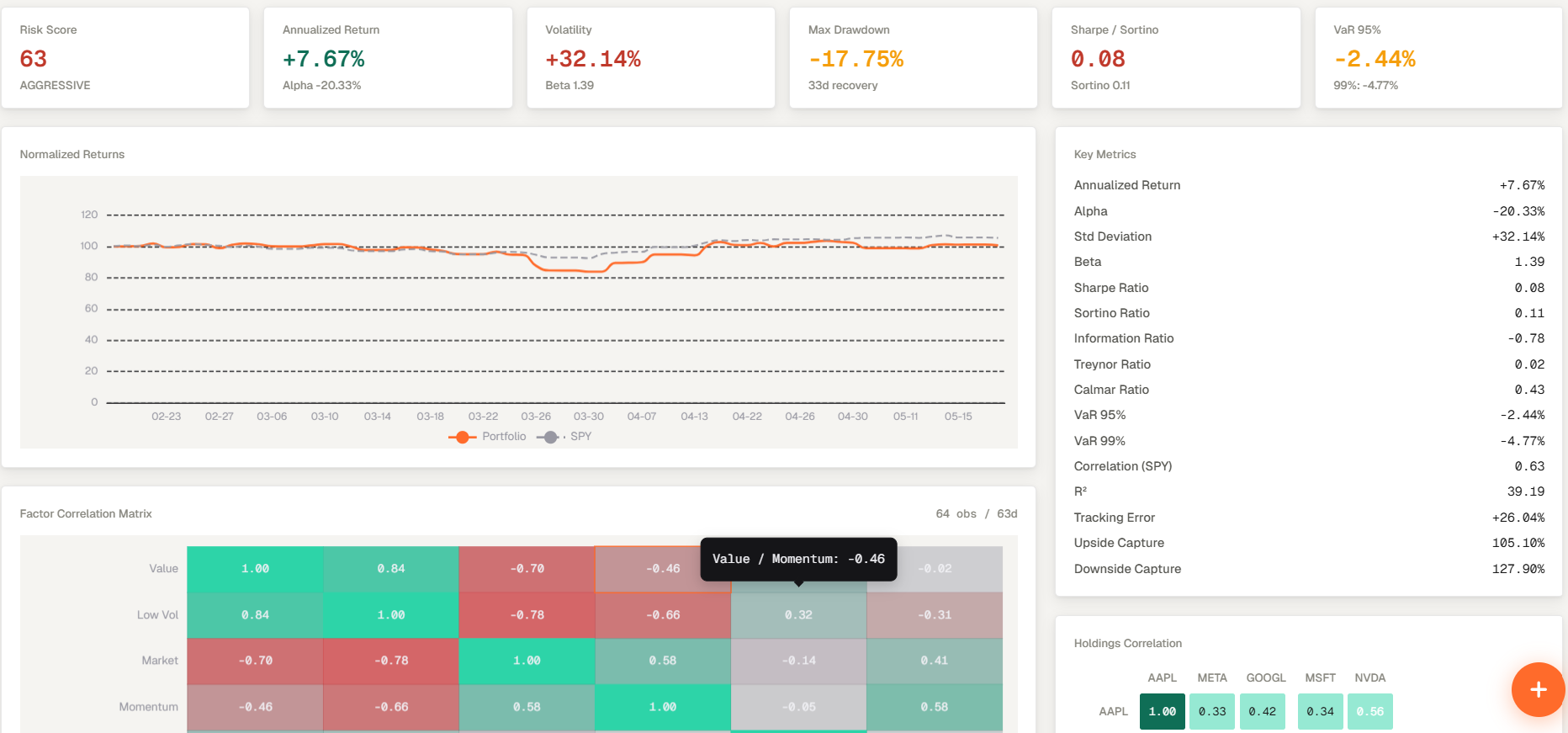
Risk Analytics is the portfolio tab that shows the risk view for the selected portfolio.
Risk Analytics is the portfolio tab that shows the risk view for the selected portfolio.
How to access
- Open Portfolios from the main navigation.
- Select the Risk Analytics tab and review the portfolio-level risk summary for your portfolio (Volatility, Alpha, Drawdown, Sharpe Ratio...).
- Change the selected portfolio whenever you want the analytics panel to recalculate on a different portfolio.
Related topics
- Risk Analytics
- Risk
- Portfolio Tab