
Market Data
Professional Chart
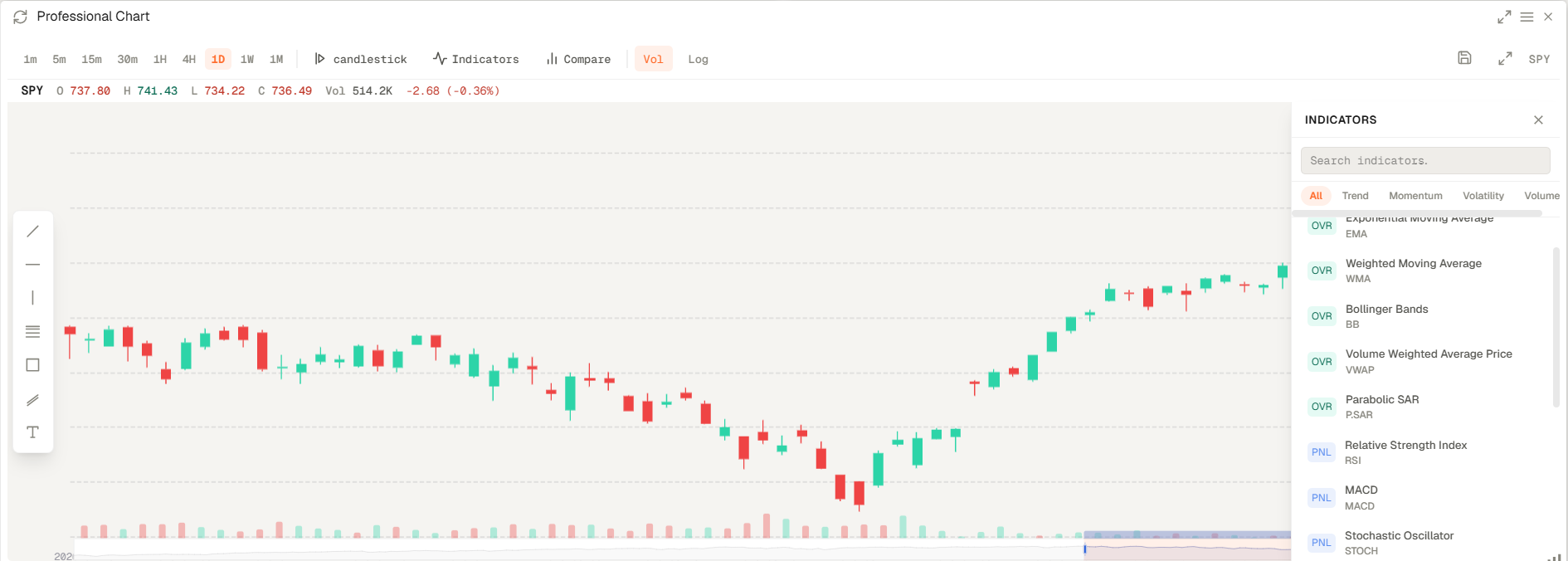
Professional Chart is the main charting widget. You can use it to analyze price action, apply technical indicators, and compare multiple symbols inside your Workspace.
Professional Chart is the main charting widget. You can use it to analyze price action, apply technical indicators, and compare multiple symbols inside your Workspace.
How to access and configure
- Open your workspace and add the Professional Chart widget from the widget catalogue (Add widget on the top right).
- You can update the symbol directly from the tag next to the widget name, indicators.
- You can change the chart style, add indicators and compare multiple symbols directly from the widget toolbar.
Related topics
- Widget
- Charts
- Technical