
Analysis
Scenario Analysis
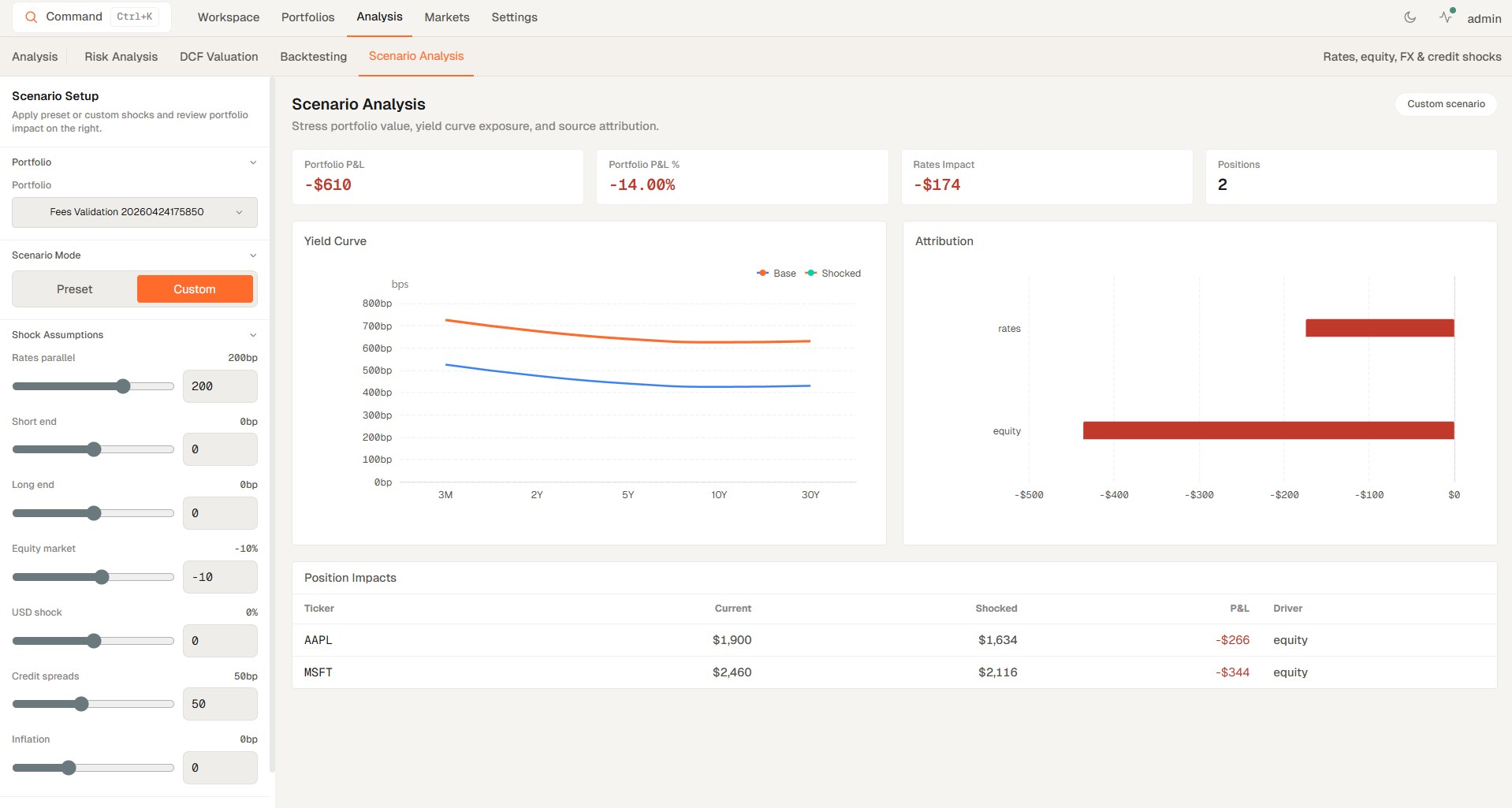
Scenario Analysis is the analysis tab for preset and custom shocks on your portfolio.
Scenario Analysis is the analysis tab for preset and custom shocks on your portfolio.
How to access
- Open Analysis from the main navigation.
- Select the Scenario Analysis tab.
- Choose the preset or custom shock set you want to apply to the portfolio.
- Run the scenario to see the results and impact.
Related topics
- Simulation
- Scenarios
- Shocks